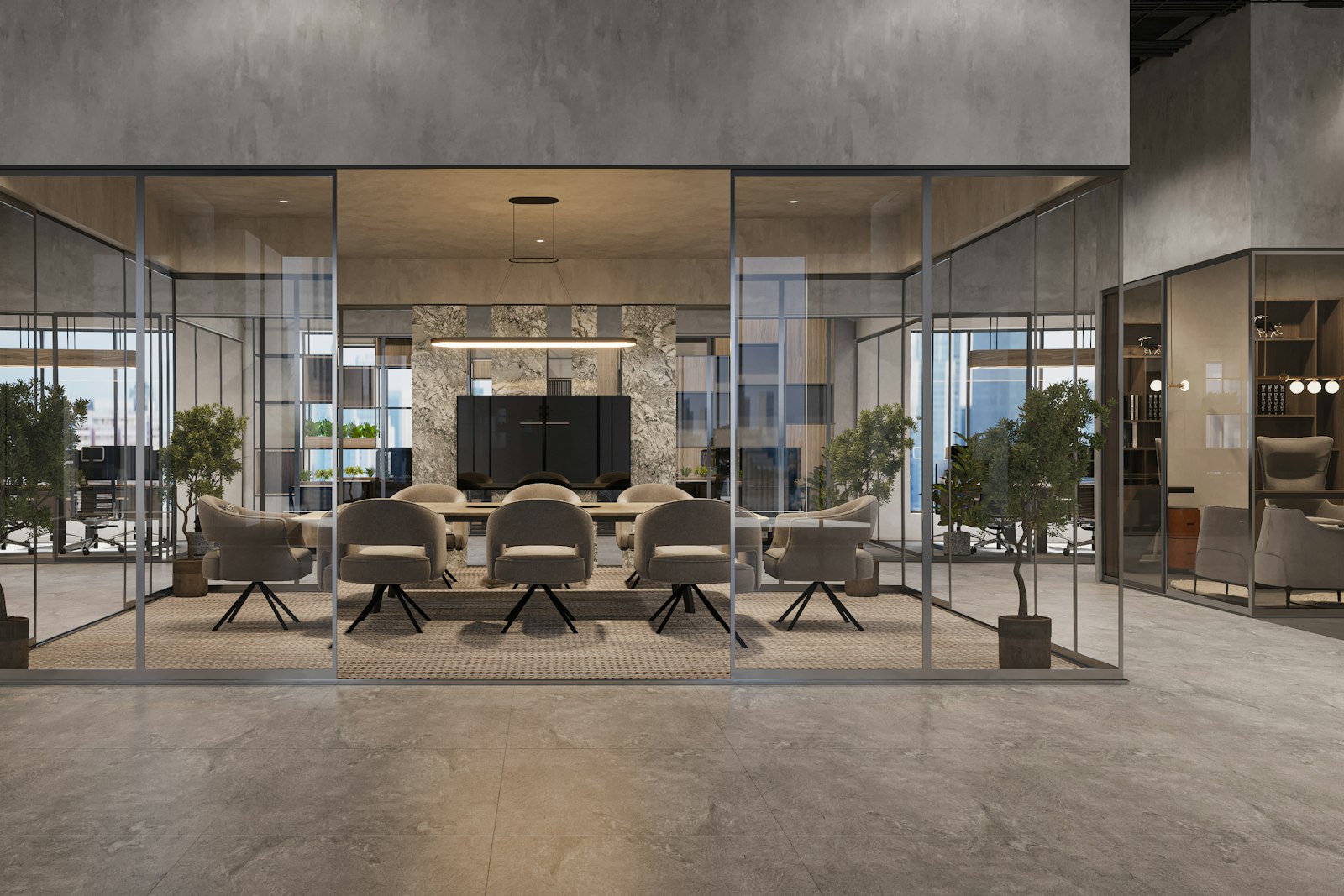
Use the visual to answer a specific question
A 3D view can help test proportions, sightlines or a material combination. Ask which elements are accurate and which are placeholders. Check the proposal against the measured plan and the product schedule so that the image remains a useful decision aid rather than an assumed construction specification.
Define the question first
A digital plan, visualisation or AI-assisted exploration should help answer a specific question about layout, scale or direction. A polished image is not evidence that the space has been resolved.
Check the underlying information
Verify dimensions, product availability, services and the buildability of any visual proposal. Review automated suggestions with the appropriate design or technical specialist.
Keep a decision record
Capture what has been agreed and what is still illustrative. This helps avoid treating an early visual as a final specification or a commitment about delivery.
Map activity before assigning desks
Write down the tasks people perform, how often teams overlap and when visitors arrive. A desk count alone will not reveal the need for private calls, project tables or storage.
Take this into your brief.
- Name the decision the tool is helping with.
- Verify dimensions and technical assumptions.
- Distinguish visual exploration from construction information.
Write down one priority, one constraint and one question you still need to answer. Review them beside the plan or material sample before agreeing the next design decision.