The problem with the room
Picture a familiar scene. Eight people sit around a long table. At the far end, a laptop on a stack of books shows four faces in small tiles. The people in the room talk to each other, point at a whiteboard the camera cannot see and lean away from the microphone. The people on the screen wait for a pause that never comes.
Nobody intends this. It happens because most meeting rooms were designed before remote participation became routine, and because the people in the room cannot see what the people outside it experience. The result is a quiet hierarchy: those present shape the decision, and those remote hear about it afterwards.
In India this matters more than it might elsewhere. Long commutes, teams split across cities, colleagues working from home during heavy monsoon days or festival travel, and clients in other time zones all mean that a meeting rarely has everyone in one room. Designing for equal participation is not a courtesy. It is how decisions get made well.
Start with sound
Remote participants forgive a poor picture more readily than poor audio. If they cannot hear clearly, they cannot take part.
A meeting room for hybrid use needs microphones that pick up every seat evenly, not only the person nearest the laptop. Ceiling or table microphone arrays designed for the room size do this far better than a laptop's built-in microphone. The room itself also matters: hard walls, glass and a bare ceiling create echo that microphones capture faithfully. Acoustic panels on at least two walls and a soft ceiling treatment make a noticeable difference to how the room sounds at the other end.
Check the background too. A room beside the pantry or a lift lobby, or with a noisy split AC unit above the table, sends that noise to every remote participant. Test it on a call before the room is handed over.
Put the camera at eye level
The second principle is to place remote participants where they can see and be seen as equals. A camera mounted at or near seated eye level, centred under or above the display, gives remote participants a natural view of the room and lets those in the room look towards their remote colleagues when speaking to them.
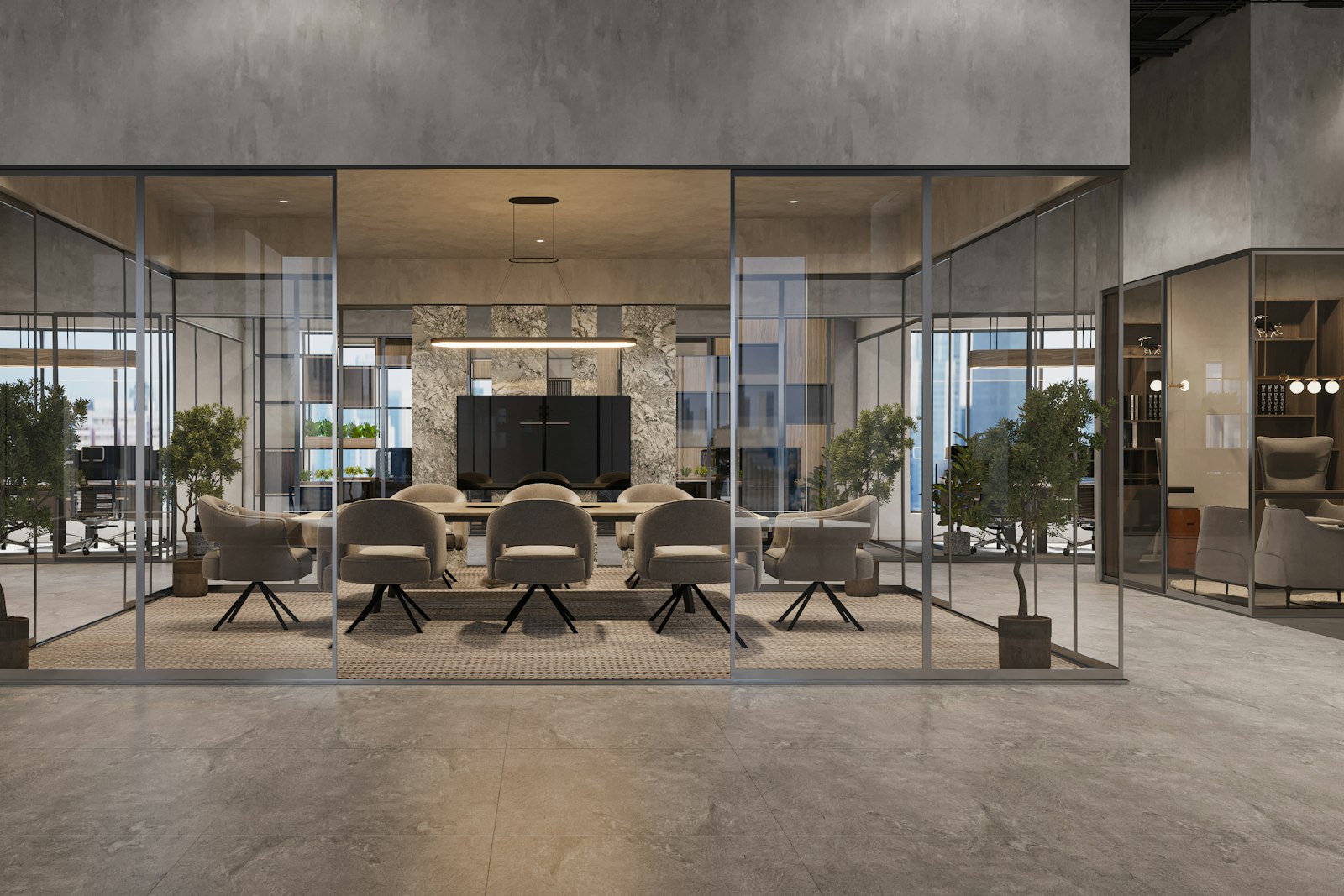
The shape of the table follows from this. A long rectangular table with the screen at the narrow end puts most people in profile and the furthest seats out of sight. A shorter table, a wedge shape that widens away from the screen, or seats arranged in a shallow arc towards the display brings every face into frame. Consider how many people the room really needs to hold for hybrid meetings; a ten-seat room may work best as a six-seat hybrid room with good sightlines.
Lighting completes it. Faces lit evenly from the front read well on camera. Strong backlight from a window behind the table turns people into silhouettes, so place screens and cameras with the façade in mind, or provide blinds that can control glare.
Small rooms for one or two
Equity also depends on where individuals join from. When someone in the office joins a call from an open desk, they disturb neighbours and struggle to hear. When they join from a meeting room alone, they occupy a space meant for many.
Small enclosed rooms for one or two people solve both problems. They need a good headset or a simple speaker-microphone, a camera at eye level, a neutral backdrop, even front lighting, reliable power on the UPS circuit and fresh air. A row of such rooms near the team areas often does more for hybrid working than one well-equipped boardroom.
Rules for booking
Space alone does not create fairness. A few clear rules, agreed and written down, help considerably:
- Hybrid-equipped rooms are booked first for meetings with remote participants.
- Small call rooms are for calls, not for an afternoon of focused work.
- A booked room left unused for a set time is released automatically.
- Meetings with any remote attendee begin with everyone able to hear and see the shared material.
Some teams adopt a stronger rule: if one person is remote, everyone joins from their own device, even those in the office. It is not right for every meeting, but for discussions where equal voice matters it removes the imbalance entirely.
Consistent tools in every room
A common source of frustration is a different setup in every room. One has a video bar, another a laptop cable, another a touch panel nobody understands. Each meeting begins with ten minutes of searching for the right input.
Choose one video platform as the default and equip rooms consistently. Make the start of a meeting a single, obvious action. Provide a camera or digital tool for whiteboards so that remote participants can see what is being drawn. Label the room clearly with how to connect. Agree with the IT team who maintains the equipment, how faults are reported and how quickly they are fixed.
Designing for the person not in the room
The simplest test of a hybrid room is to join a meeting from outside it. Sit at home, or in another building, and take part in a meeting held in the room. Listen to how it sounds, notice what you can see, and try to speak at a natural moment. Every weakness becomes obvious within a few minutes.
This test should happen before a room is signed off and periodically after, as furniture moves and equipment ages. Treating the remote seat as a seat at the table is, in our view, where every hybrid workplace brief should begin.